Shardbound
An Eador-inspired campaign of provinces, heroes and hex battles.
Lead one of four heroes and a persistent army through a linked campaign of three shards. Develop your stronghold, investigate guarded sites, counter a rival expedition and command turn-based hex battles where veterans keep their experience.
Download Shardbound 0.1.0-preview.1
Free, no account needed. Everything the game needs is included; Python is not required. Release notes: Shardbound 0.1.0-preview.1.
All files and checksums
| File | Platform | Minimum OS | Size | Signed | SHA-256 |
|---|---|---|---|---|---|
| Shardbound-0.1.0-preview.1-windows-x64-portable.zip | Windows 64-bit, portable ZIP | Windows 10 | 61 MB | No | ad9e87ca2fe2591a080380f76050ecca7ab2dd365537cfea11db0eddecaed6a4 |
| Shardbound-0.1.0-preview.1-windows-x64-setup.exe | Windows 64-bit, installer | Windows 10 | 49 MB | No | 34bf23da4d5be088d6b35a20e93d38320b01dc87cc43dc509574fd36ba8d4fdc |
| Shardbound-0.1.0-preview.1-darwin-arm64-app.zip | Mac Apple Silicon, app | macOS 14 on Apple Silicon | 47 MB | No | 0fcff24640abba882b8ee32b87345809246bf23d51d80c853dab345cd56a6376 |
Install
Windows
- Download the installer above and open the file when the download finishes.
- Follow the installer with its default folder. It installs for your Windows account only; no administrator password or Python is needed.
- Leave Play Shardbound selected on the last page, or open Start and type Shardbound later.
Mac (Apple Silicon)
- Download the Mac app above. In Finder, open Downloads and double-click the ZIP to extract Shardbound.app.
- Drag Shardbound.app into Applications. Replace an older copy when updating; your saves and settings are kept.
- Double-click Shardbound.app to play.
Play online: two-player shared-realm co-op
You and a friend command the same realm and army. Either of you can build, explore and give battle orders; the server keeps one authoritative campaign. Campaign rooms are kept for seven days without both players, so you can continue tomorrow.
Create a room
- Open Shardbound and choose Co-op. Leave Online selected.
- Choose Create room, then Copy invite link and send it to your friend in any chat.
- Stay on the waiting screen. The game starts when your friend connects.
Join a room
- Open the invite link your friend sent, or copy just the room code from it.
- In Co-op choose Paste code, then Join room.
- Lost your connection? Reopen the game on the same computer and choose Rejoin last room.
Campaign rooms are kept for 7 days without both players. Invite links look like https://games.tachyon-ai.eu/join/shardbound-v1/abc123 and contain only the game and room code, never your private seat.
Your first match
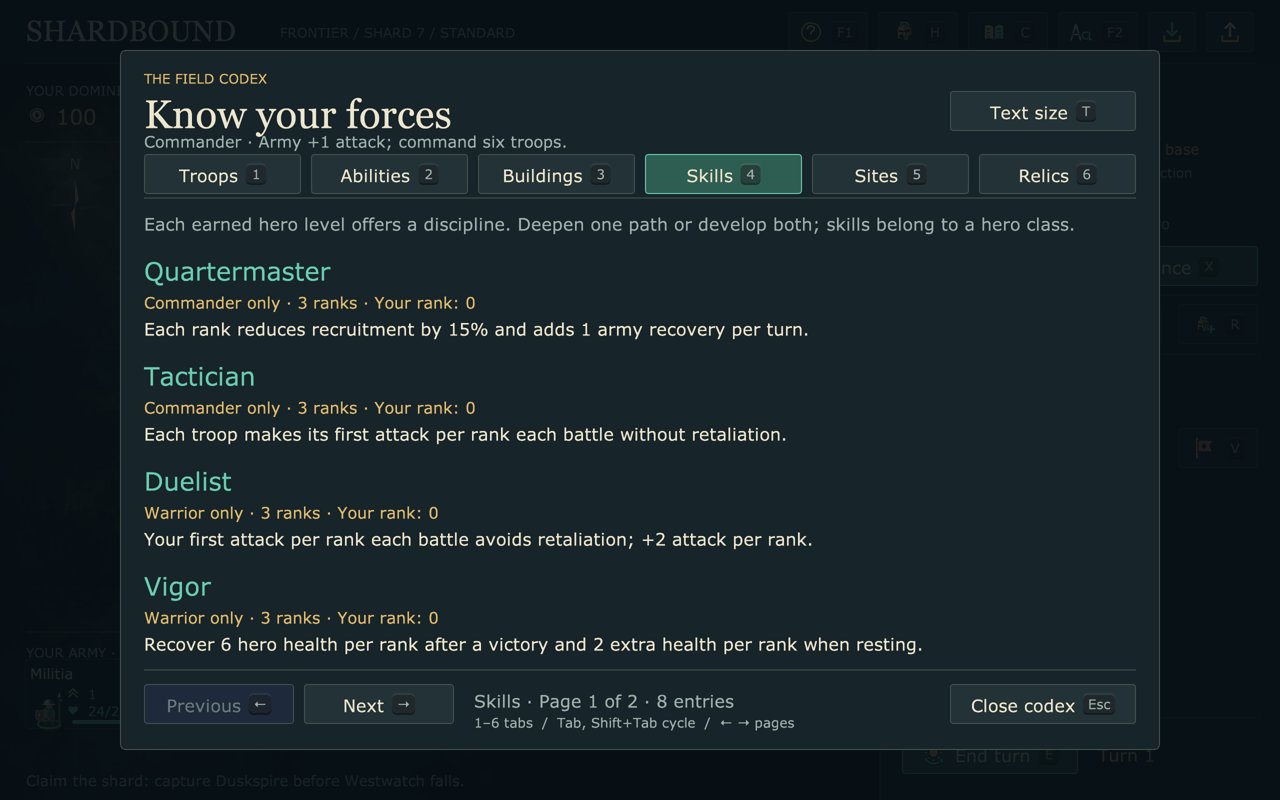
- Open the Field Guide with F1 for your first turns; the Codex (C) holds every rule.
- Build a marketplace to fund your army and recruit troops at your stronghold.
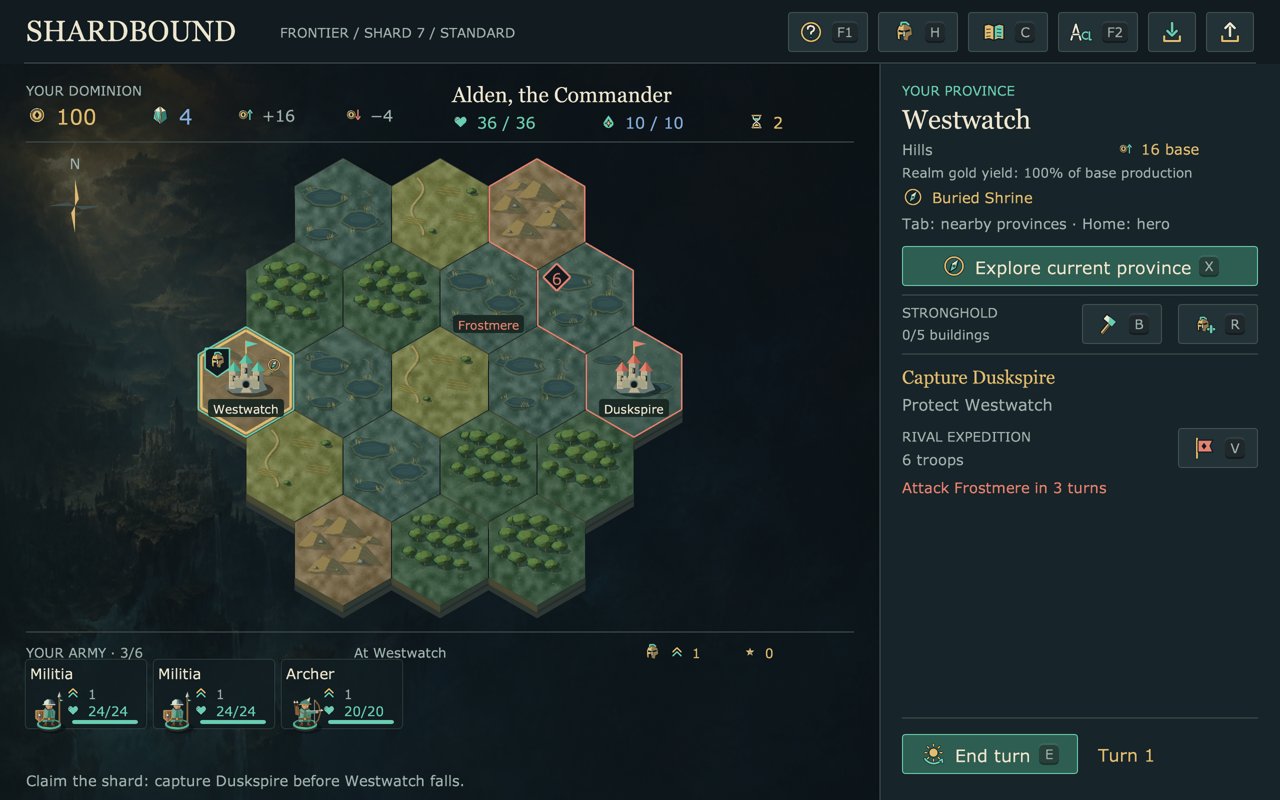
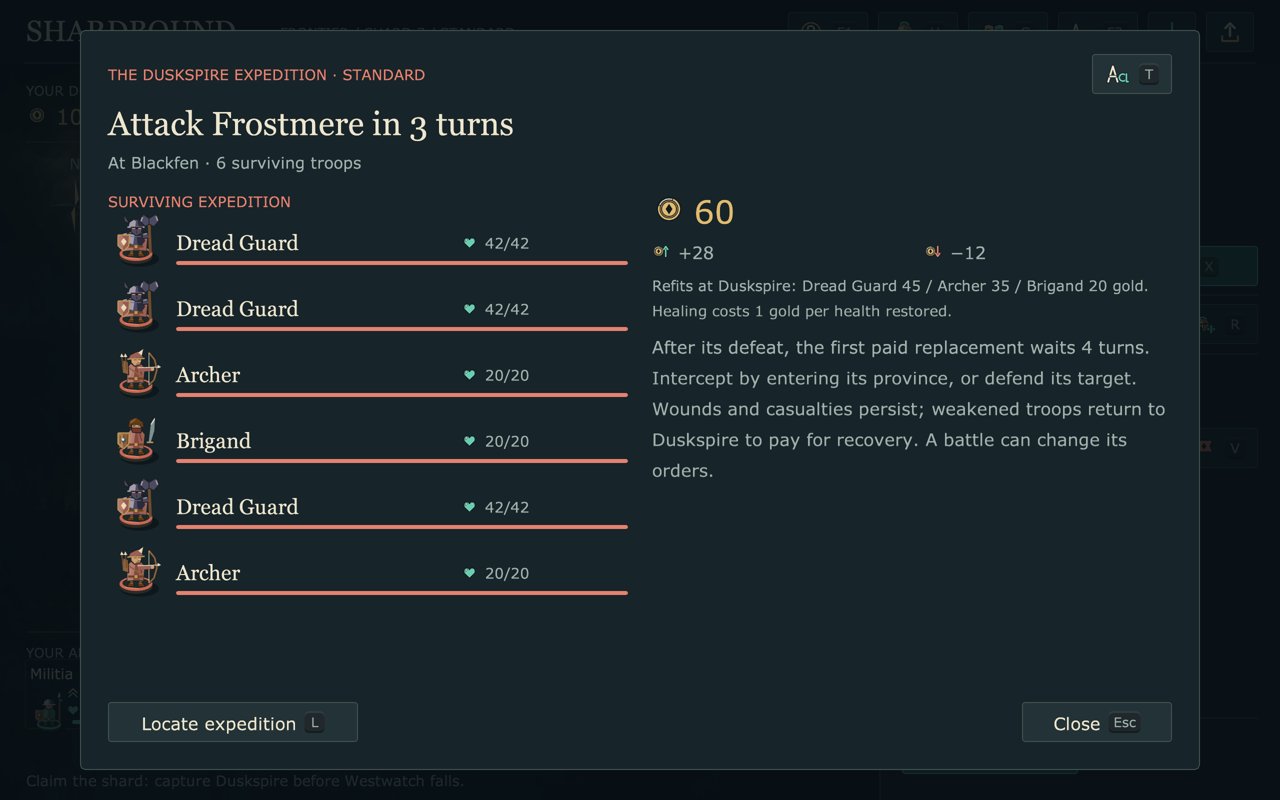
- Explore the current province with X and inspect the rival plan with V.
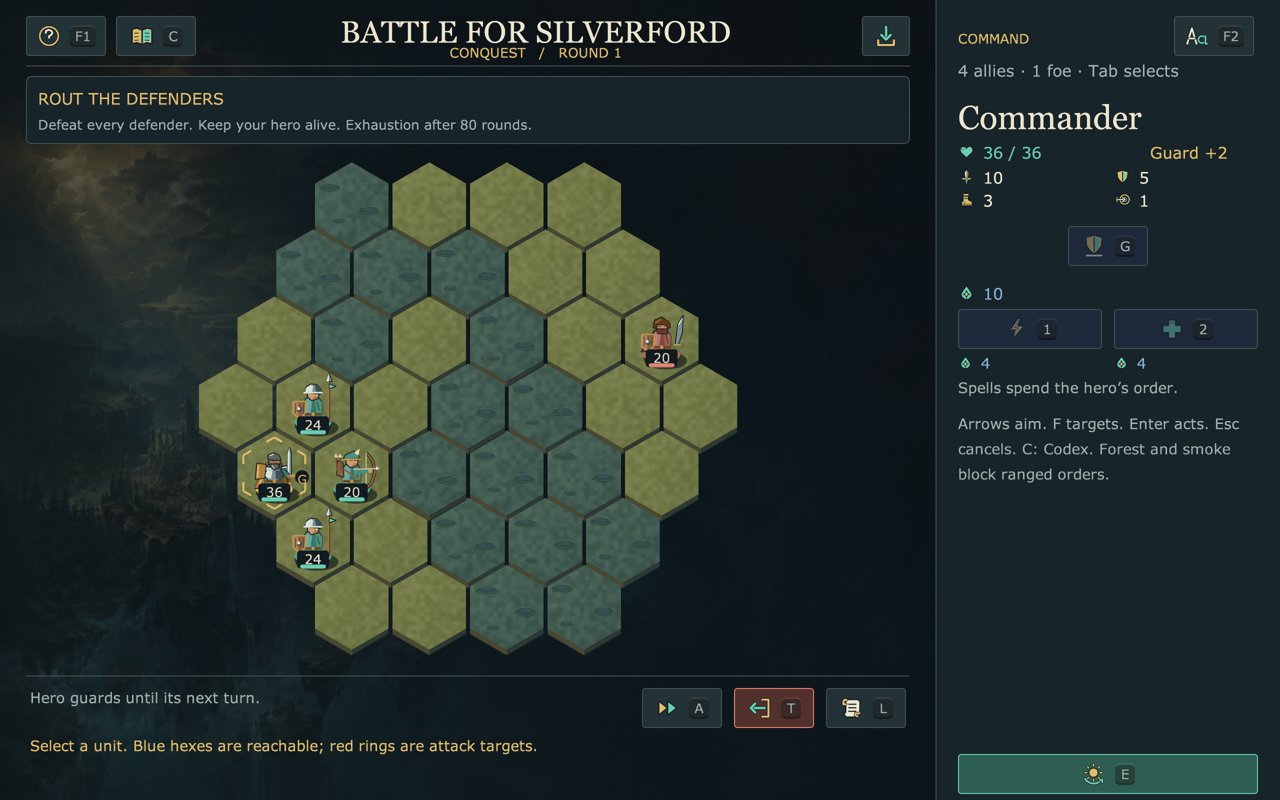
- Invade a neighbouring province and fight the hex battle, or let automatic rounds resolve it.
- Capture Duskspire before the rival takes Westwatch.
Screenshots
What is in the game
- Four heroes with two advancement disciplines each, ten troop roles and twelve relics.
- Guarded expeditions with rout, hold and extraction objectives across twelve authored patterns.
- Manual orders or optional automatic rounds, with skippable playback of the resolved actions.
- A three-shard linked campaign: choose the next challenge and which veterans and relics travel.
- Three world themes, seed selection and three difficulty settings.
- Manual saves, rolling autosaves, sound controls, reduced motion and larger reading text.
Requirements
- Windows: Windows 10 or 11, 64-bit, with OpenGL 3.3 graphics drivers.
- Mac: macOS 14 or later on Apple Silicon (M1 or newer).
- Online play: an internet connection; both players need the same version.
Known issues
- A development preview: balance, onboarding and presentation are still being evaluated, and the app uses a development icon.
- The installer is unsigned and the Mac app is not notarized; see the first-launch notes above.
- Co-op shares one realm; there is no competitive online mode yet.
- English only.
Help and data
- Player guide and issue tracker. Include the game version, your OS and the exact message.
- Saves and settings live in
%USERPROFILE%\.shardboundon Windows and~/.shardboundon a Mac. Uninstalling keeps them; delete the folder to reset. - Online rooms store match state and private seat tokens until the room expires.
- Free and open source under the MIT license (source). Nunito font under the SIL Open Font License.