Warband
A snappy real-time strategy skirmish in the classic mould.
Gather gold and lumber, raise a base, train an army and raze the rival settlement. Matches take ten to twenty minutes against an AI that plays a recognisable strategy, or against a friend over the internet.
Download Warband 0.2.280
Free, no account needed. Everything the game needs is included; Python is not required. Release notes: Warband 0.2.280.
All files and checksums
| File | Platform | Minimum OS | Size | Signed | SHA-256 |
|---|---|---|---|---|---|
| Warband-0.2.280-windows-x64-portable.zip | Windows 64-bit, portable ZIP | Windows 10 | 177 MB | No | 9ad78217b435a43980bb9844765d2f893ee1ea00e606f3854747dec0f21d085d |
| Warband-0.2.280-windows-x64-setup.exe | Windows 64-bit, installer | Windows 10 | 166 MB | No | dd03ce2ec8a3d947e3eed364d5c874bea92fefadf60fc89e29671e12fa505d23 |
| Warband-0.2.280-darwin-arm64-portable.zip | Mac Apple Silicon, portable ZIP | macOS 14 on Apple Silicon | 173 MB | No | 6320cc8965a1c2ff83f4af6065875dd501f11973623cdd89140494a1b27d195f |
| Warband-0.2.280-darwin-arm64-app.zip | Mac Apple Silicon, app | macOS 14 on Apple Silicon | 170 MB | No | db8778c8499527427a6a31db4ca676b7a78ebc2897bca6c0e16dff99259520bd |
Install
Windows
- Download the installer above and open the file when the download finishes.
- Follow the installer with its default folder. It installs for your Windows account only; no administrator password or Python is needed.
- Leave Play Warband selected on the last page, or open Start and type Warband later.
Mac (Apple Silicon)
- Download the Mac app above. In Finder, open Downloads and double-click the ZIP to extract Warband.app.
- Drag Warband.app into Applications. Replace an older copy when updating; your saves and settings are kept.
- Double-click Warband.app to play.
Play online: two-to-four-player ranked or casual matches
Choose a ranked or casual room with two to four seats. Send the code or invitation link to your friends. The server runs the simulation and keeps ranked ratings; spectators can watch without taking a seat. A dropped connection reconnects automatically.
Create a room
- Open Warband and choose Multiplayer. Leave Online selected.
- Choose Create room, then Copy invite link and send it to your friend in any chat.
- Stay on the waiting screen. The game starts when your friend connects.
Join a room
- Open the invite link your friend sent, or copy just the room code from it.
- In Multiplayer choose Paste code, then Join room.
- Lost your connection? Reopen the game on the same computer and choose Rejoin last room.
Disconnected rooms are retained for 15 minutes; a ranked player absent for 60 seconds forfeits their seat. Invite links look like https://games.tachyon-ai.eu/join/warband-v2/abc123 and contain only the game and room code, never your private seat.
Warband multiplayer rankings & server activity ↗
Your first match
- Let your peasants gather. Gold and lumber totals are at the top of the screen.
- In the Settlement row choose Build → Farm and click clear ground near your base.
- Build a Barracks, then Train → Footman. Requests wait until they can be paid.
- Select your soldiers, press A and click towards the enemy to attack-move.
- Eliminate every enemy unit and building to win.
Screenshots
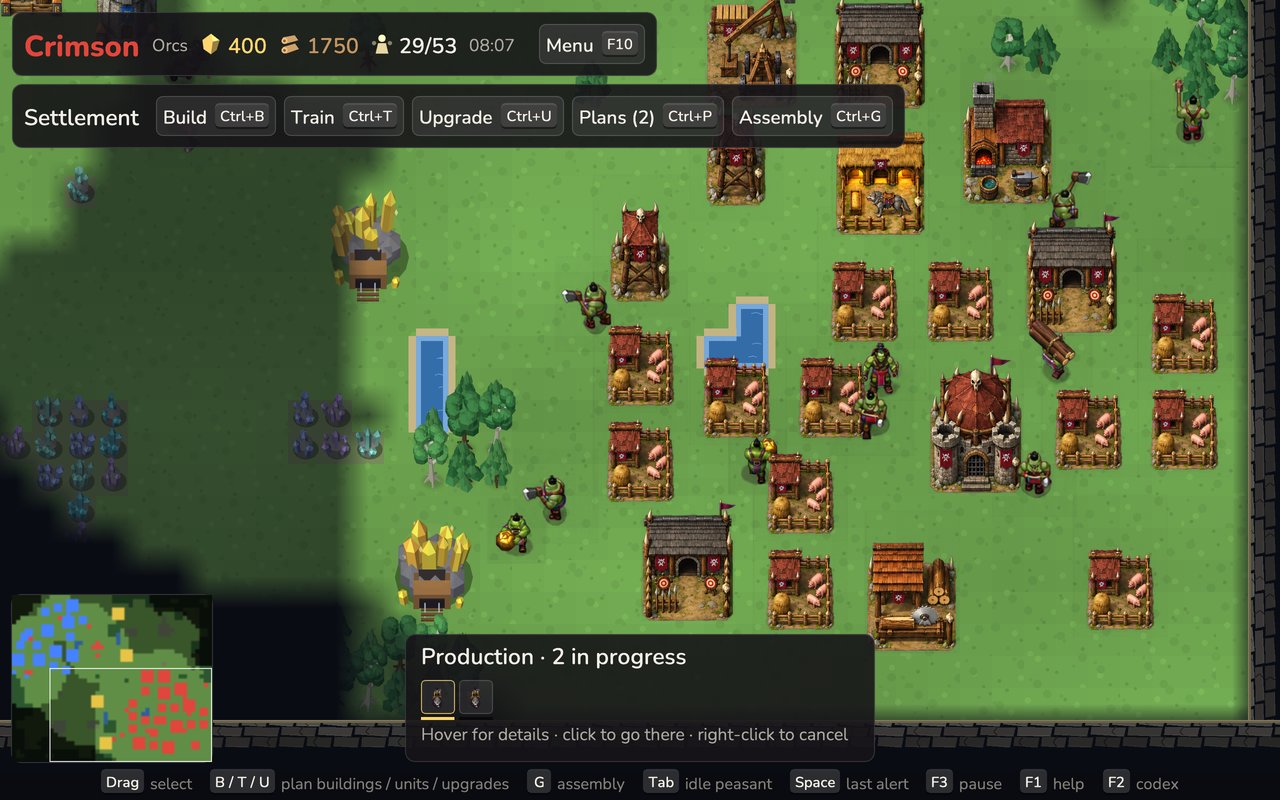
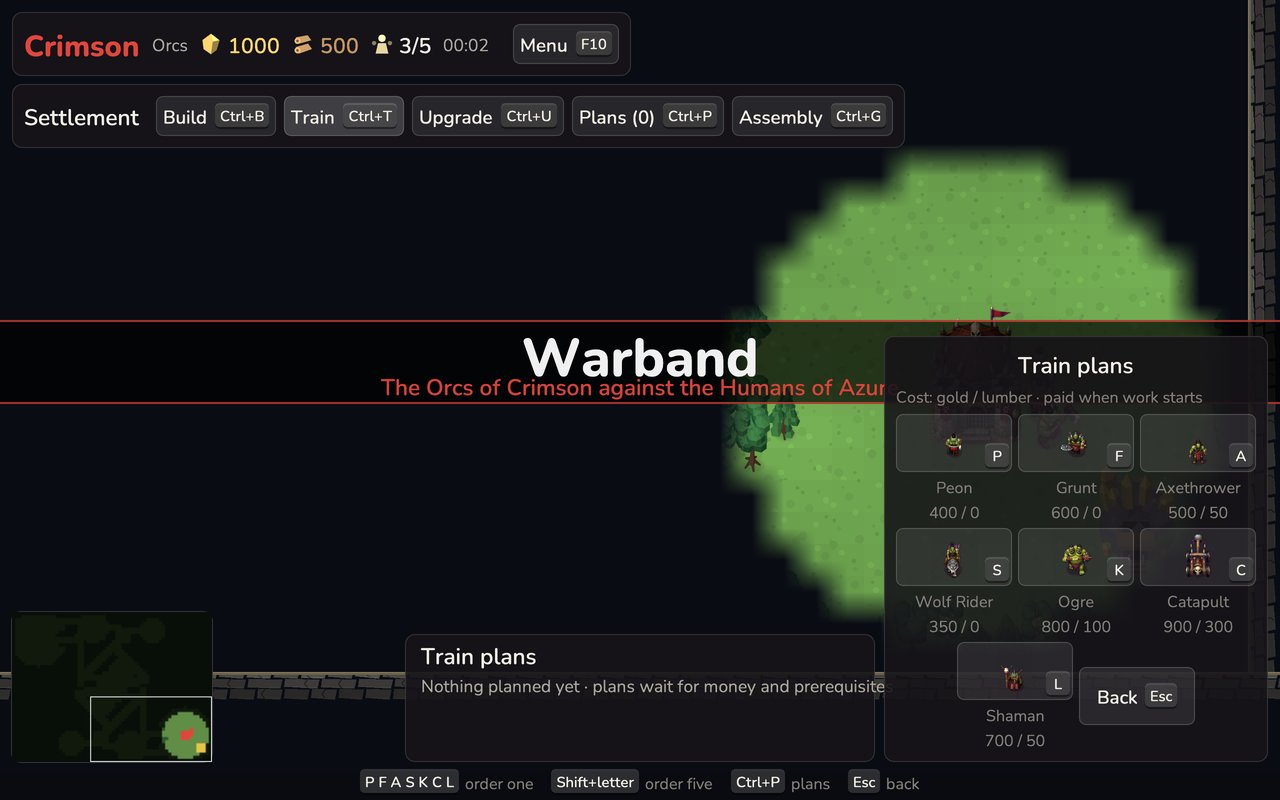
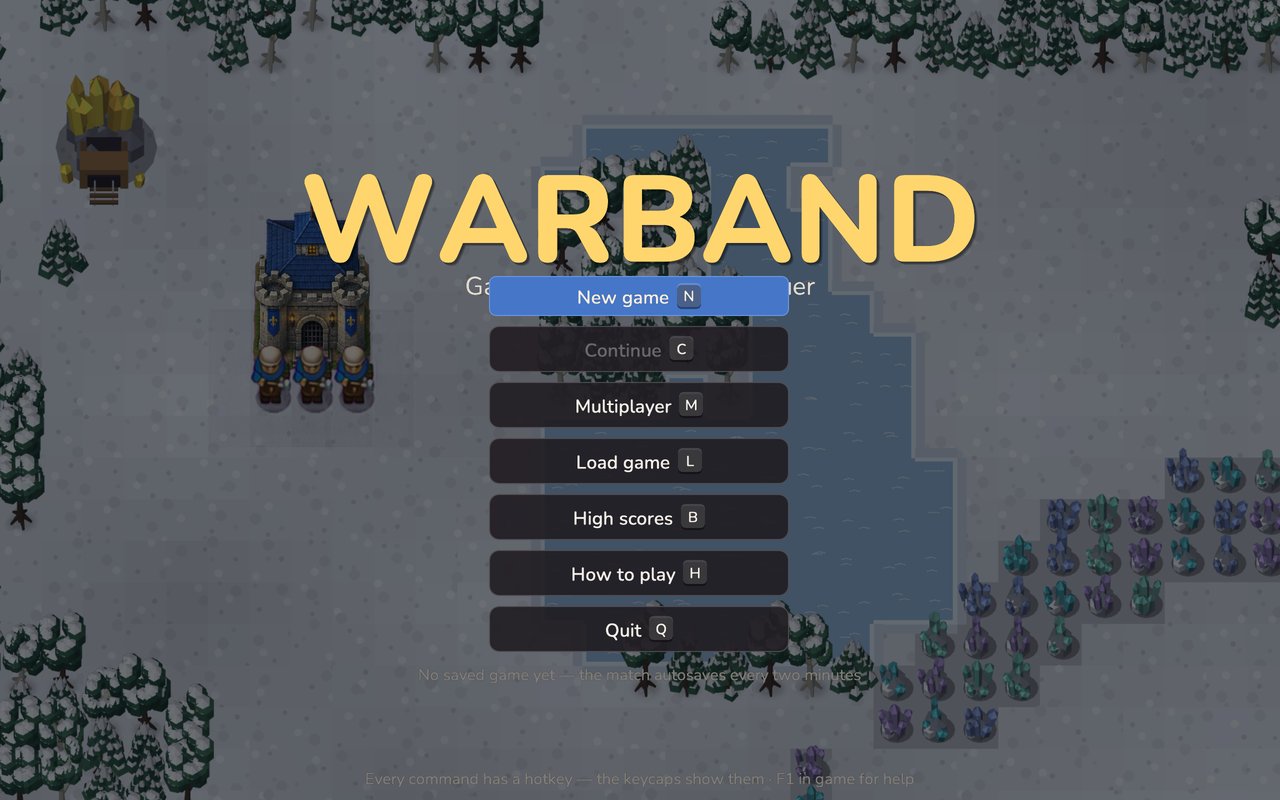
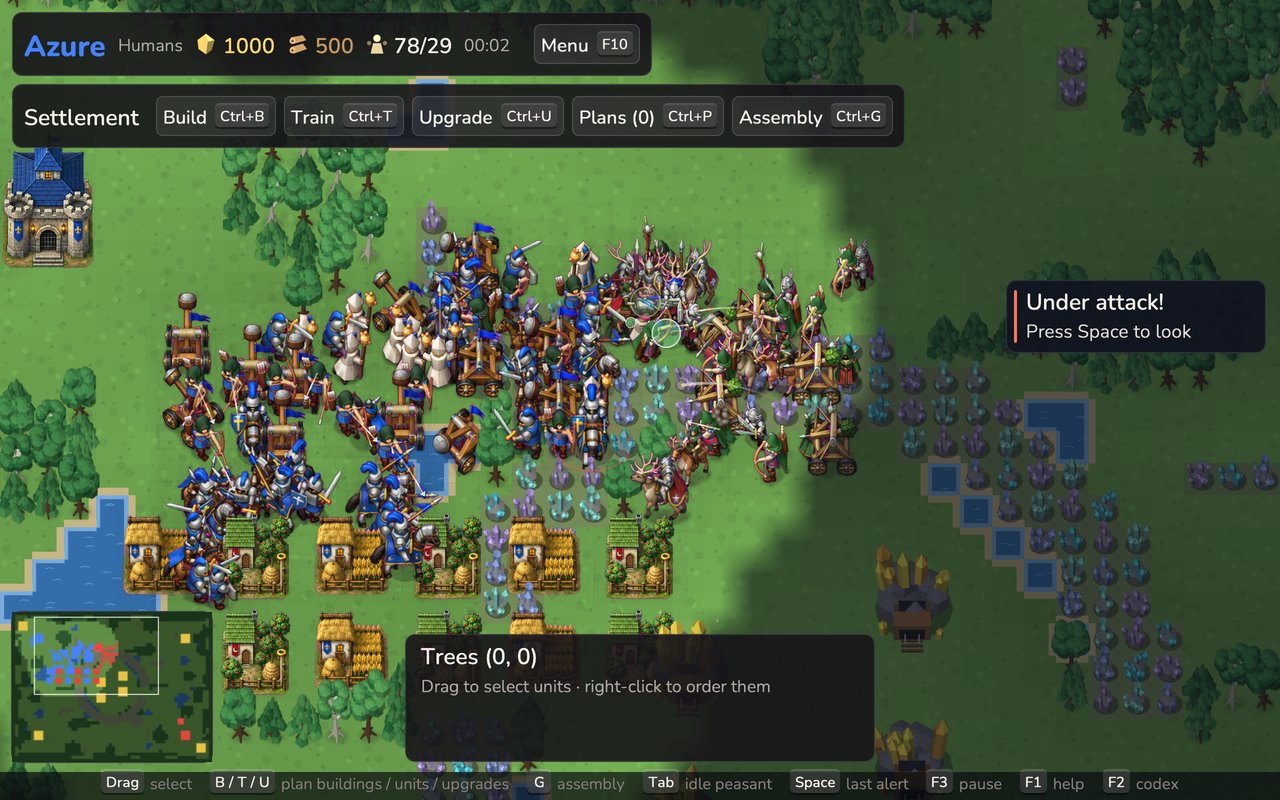
What is in the game
- Four races: humans, orcs, elves and dwarves share seven unit roles and nine buildings, each with its own numbers, a passive trait, two race-only upgrades, look and voice.
- Painted sprites for every unit and building; units stride, wind up and swing, and arrows and stones fly and land where they were aimed.
- Settlement planning: queue buildings, units and upgrades without selecting a worker, with a production overview when nothing is selected.
- Idle peasants find safe work on their own; construction plans borrow gatherers after delivery.
- Five map layouts in three sizes and three lands, generated fresh for every match with meadows, groves, ponds and stone.
- Four AI difficulties with measured ratings for offline games with two to four factions; autosave every two minutes.
- Original art and audio made for the game: sprites painted from its own low-poly renders, generated impacts, cries and collapses, and synthesised music.
Requirements
- Windows: Windows 10 or 11, 64-bit, with OpenGL 3.3 graphics drivers. About 160 MB on disk.
- Mac: macOS 14 or later on Apple Silicon (M1 or newer). About 160 MB on disk.
- Online play: an internet connection; both players need the same version.
Known issues
- The installer is unsigned and the Mac app is not notarized; see the first-launch notes above.
- The layout uses a fixed logical canvas; fullscreen helps readability on small screens.
- Large offline maps with three or four players can run past twenty minutes without a decision.
- English only.
Help and data
- Player guide and issue tracker. Include the game version, your OS and the exact message.
- Saves and settings live in
%USERPROFILE%\.warbandon Windows and~/.warbandon a Mac. Uninstalling keeps them; delete the folder to reset. - Ranked play keeps a public player name, ID, rating and win/loss record. Your private identity stays on your device. The server retains room state and private seat tokens, and thirty days of aggregate online counts.
- Free and open source under the MIT license (source). Nunito font under the SIL Open Font License.